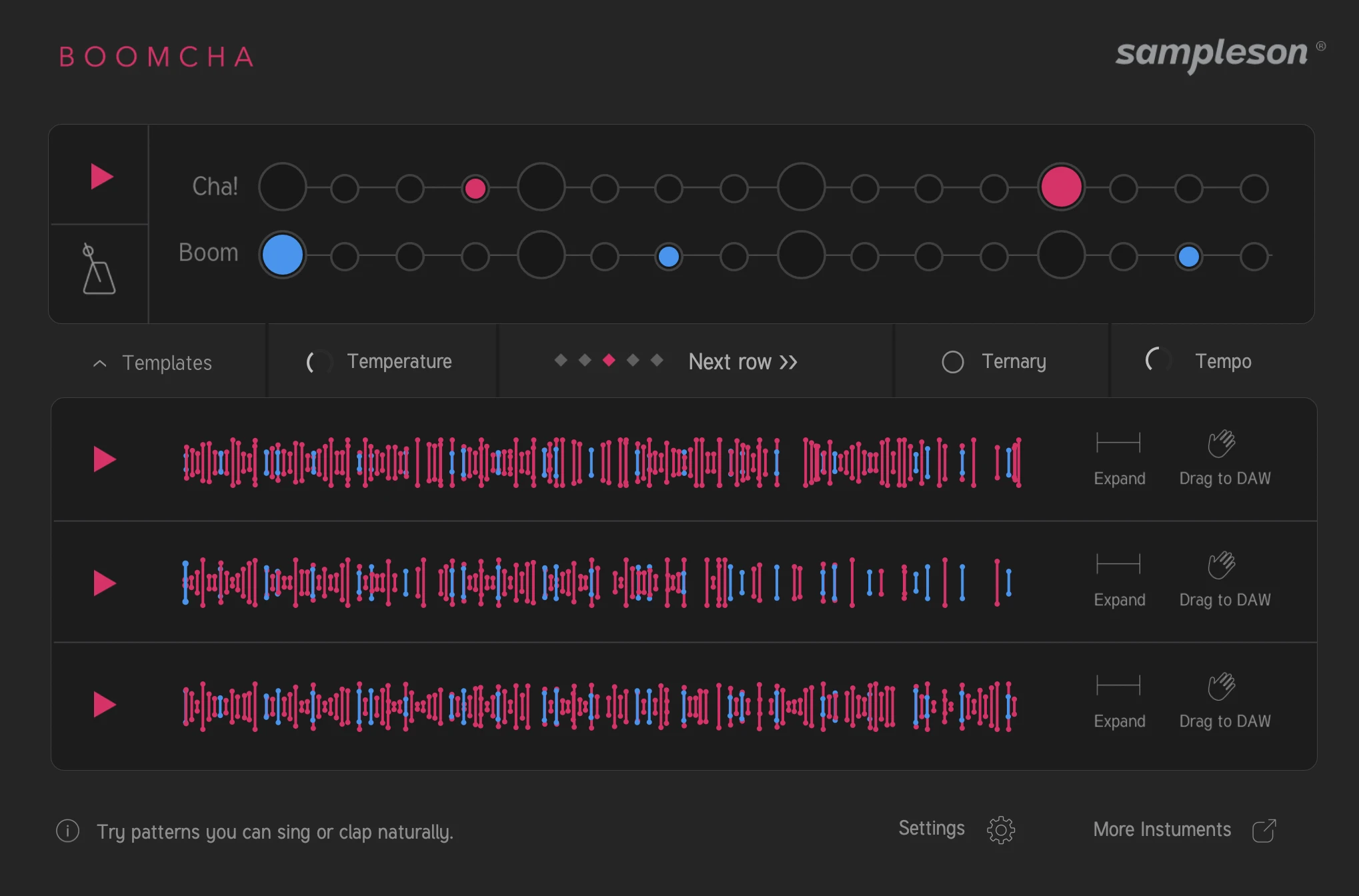
Real grooves from real drummers.
Standalone app + VST3/AU plug-in · Windows & macOSTurn your drumming into something extraordinary. Just draw a simple drum grid, and Boomcha will match it with real drum grooves played by professional drummers.
Think of it as a seasoned drummer player inside your DAW.
See it in action
Loved by musicians and sound designers worldwide
1.5 Million rhythm cells from real drummers playing
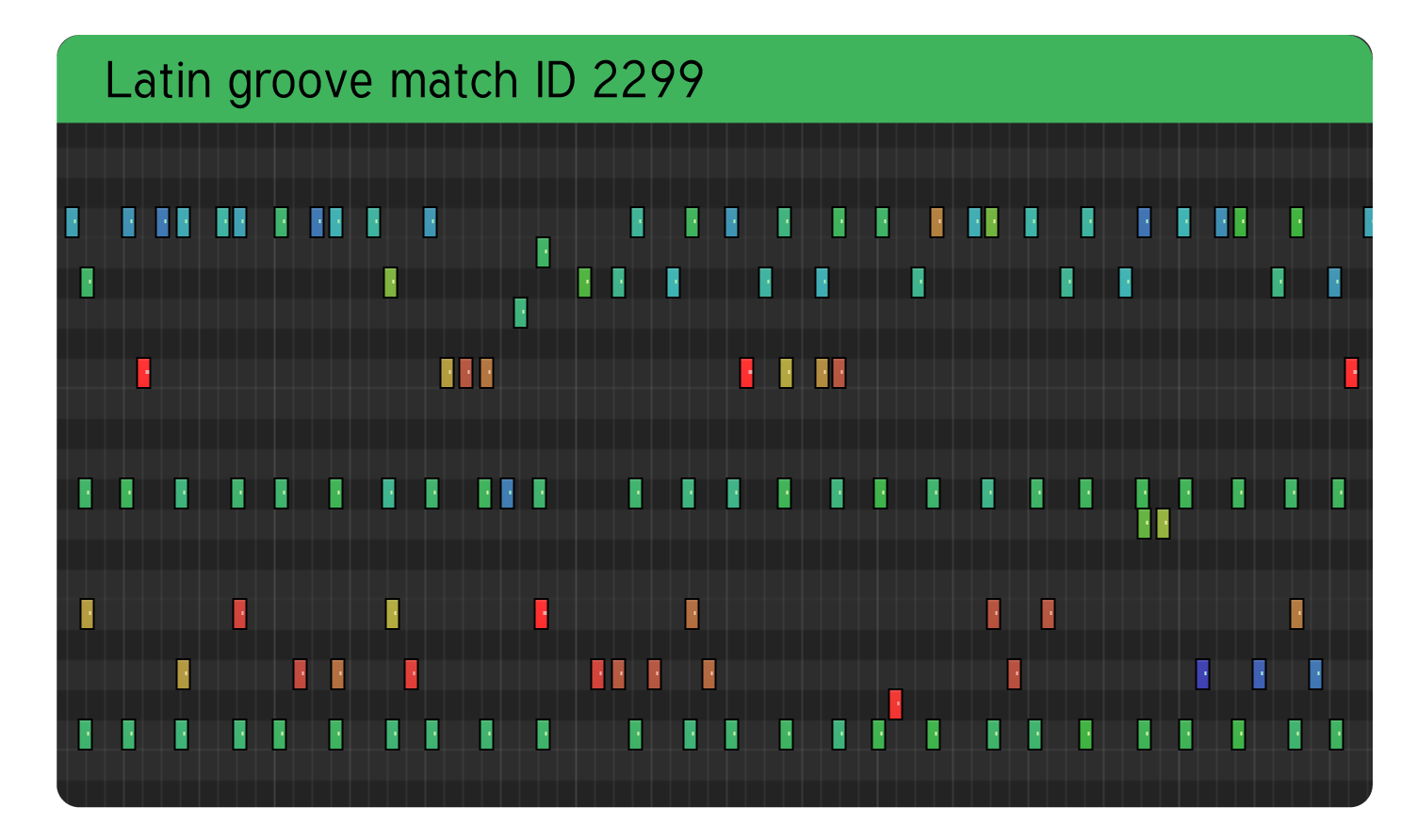
Boomcha is built on a massive library of over 1.5 million rhythm cells of real drumming, recorded by professional drummers across various styles and genres. Each groove is meticulously midi-captured to preserve the human feel, dynamics, and subtle variations that make live drumming so compelling.
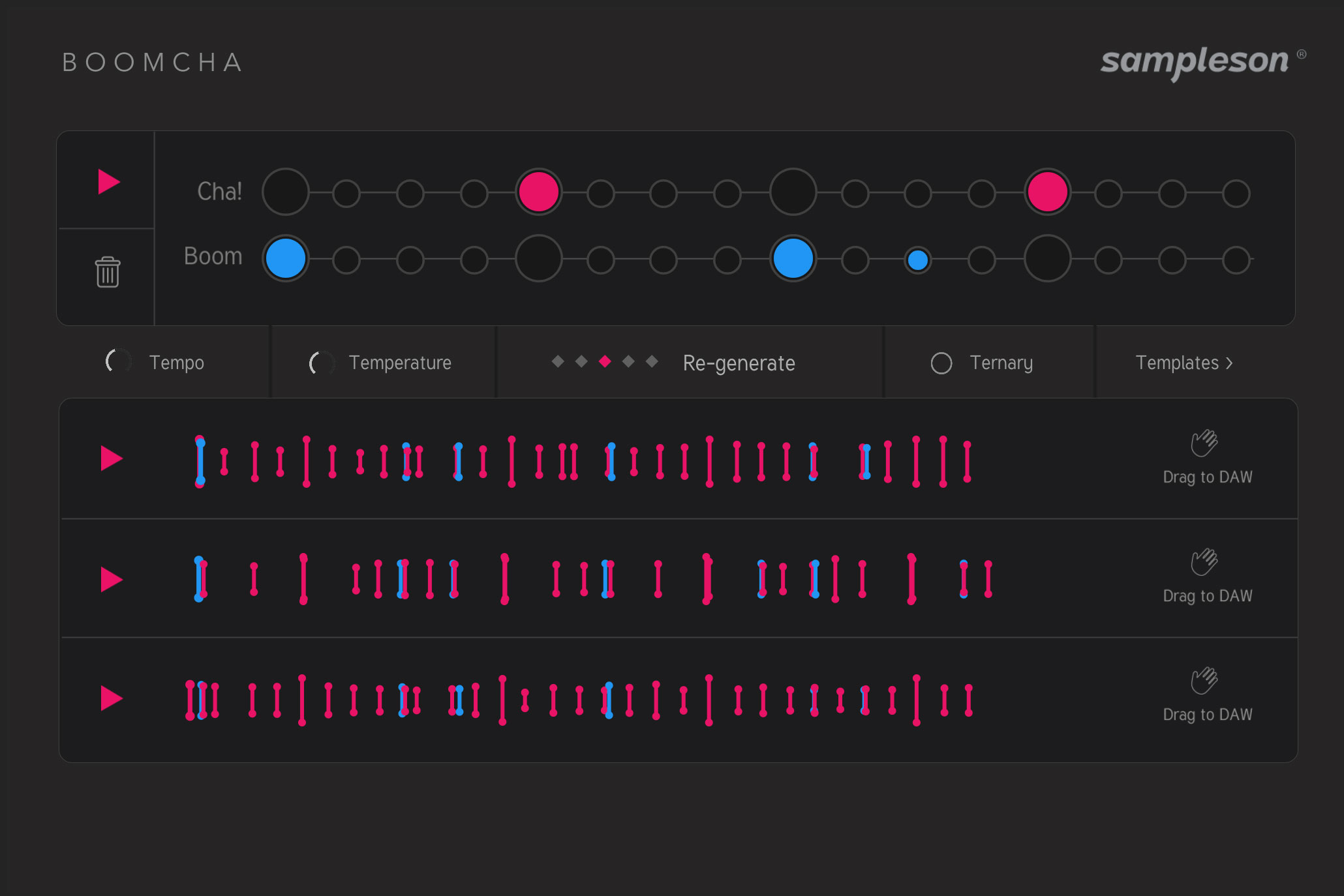
When you draw a pattern on Boomcha’s grid, it analyzes your input and finds the closest matching grooves from this extensive library. The result is a perfectly humanized drum performance that responds to your creative input, giving you the feel of a real drummer playing alongside you in your DAW.
Audio demos
| Title | Audio renders from DAW |
|---|---|
| Goove Solo | |
| Hard Snare | |
| Discoso | |
| 80ties | |
| Monks | |
| Calm |
An overview of Boomcha
Production-grade grooves. Every note editable.
Boomcha delivers studio-quality MIDI grooves played by real drummers with real human feel. AI drum tools give you a bounced audio sketch — you can listen but you can't touch it. Boomcha gives you fully editable MIDI, note by note, velocity by velocity, ready to drop straight into your session.
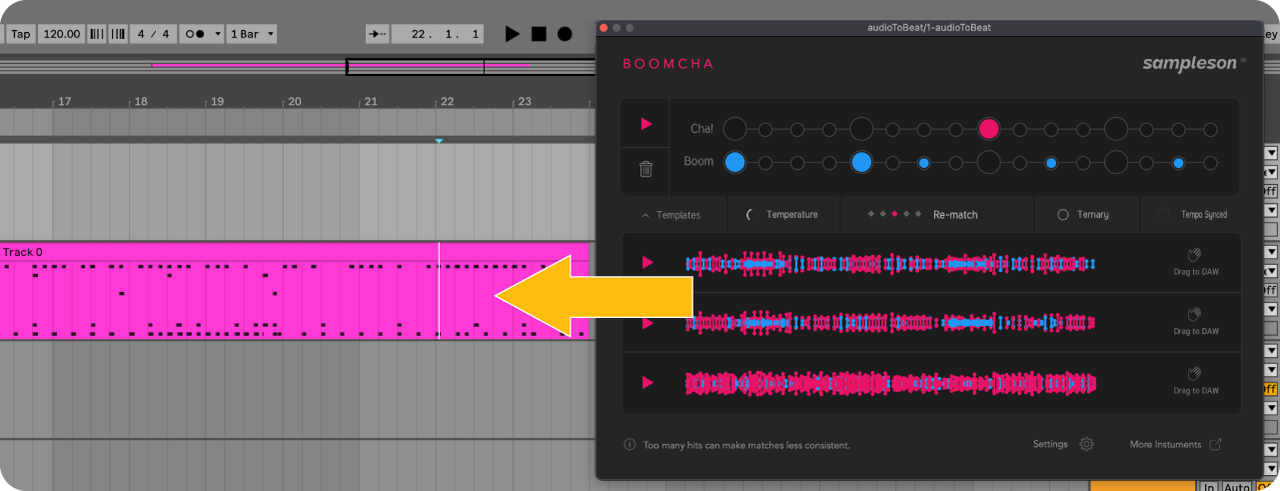
DRAG TO DAW
Boomcha allows you to drag and drop the generated MIDI grooves directly into your DAW. Simply click and hold on the groove you want, drag it to your desired track, and drop it in place.
This seamless integration makes it easy to incorporate Boomcha's grooves into your existing workflow, allowing you to quickly build out your drum tracks with authentic human feel.
Standalone App or Plugin
Boomcha comes as a standalone app or as a plugin for your favorite DAW. This allows you to integrate it seamlessly into your existing workflow. Making it easy to incorporate into your production process and compare several grooves side by side to pick the perfect one.
Boomcha gives you the freedom to use it over any Drum library by just dragging and dropping the produced midi to any drum track.
Download Manual (PDF)
Watch Tactile in Action.
4k scalable interface
Features
- Drum groove engine powered by 1.5 million rhythm cells from real drummers
- Draw a simple grid pattern, get a human-feel groove back
- Fully editable MIDI output — note by note, velocity by velocity
- Drag and drop MIDI directly into your DAW
- Multiple genres and drumming styles included
- Production-ready grooves with authentic dynamics
- High-resolution UI (Retina & 4K ready)
- Standalone app, VST3 and AU plugin
- Works on macOS (Apple Silicon & Intel) and Windows
System Requirements
macOS- Supported on Apple Silicon (Native) and Intel Macs.
- Standalone App, VST3 and AU included.
- Works on macOS 10.7 or later.
- Host must support VSTi or AU plugins.
- 400 MB HDD.
- 4GB RAM.
- 64-bit Plugin and Standalone.
- Standalone 64 bits App and VST3 included.
- Windows 7 or later.
- Host must support VSTi plugins.
- 400 MB HDD.
- 4GB RAM.
- 64-bit Plugin and Standalone.
Online activation required.
Usage & credits
Music you make with Boomcha is yours — use it however you want, including commercially. If you export and redistribute raw MIDI files from Boomcha, just keep the embedded attribution intact.
License: https://creativecommons.org/licenses/by/4.0/
Drum samples for previewing grooves include samples from MuldjordKit by Lars Muldjord, provided by DrumGizmo.org.
License: https://creativecommons.org/licenses/by/4.0/
Full terms are in the End-User License Agreement included with the software.