Anything in. Cinematic out.
VST3/AU FX plug-in · Windows & macOS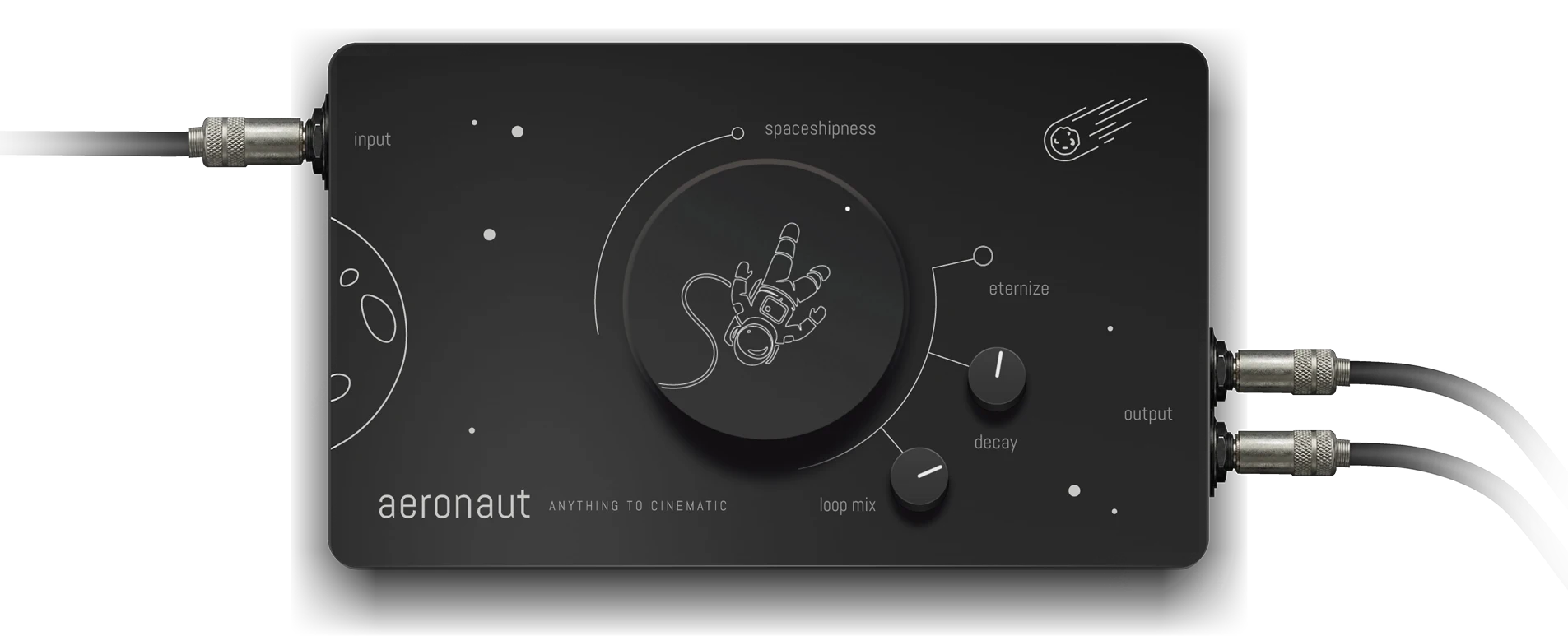
Aeronaut takes any live input — a guitar note, a single chord, a vocal whisper, a synth pad — and turns it into a Hollywood-grade cinematic textures in real time.
See it in action
What people are saying
"It's a super tool for atmospheric pads... and at £30, it's peanuts. I'm definitely using it on my next album."
"I've been making ambient music for about 30 years, and Aeronaut makes mixing and post-production so much easier."
"This is actually fantastic. Ambient heaven."
"This plugin is even better than Scaper!"
"Dropped it on a film cue and had a usable texture in under a minute. Exactly what I need when deadlines are tight."
"Ran a dry vocal through it for a trailer and got something huge and cinematic instantly. Still sounds musical, not just washed out."

Hear it. One input each.
Each demo is a single live input processed through Aeronaut. Nothing else added. No layers. No second pass.
| Dry | Aeronaut | |
|---|---|---|
| E. Piano | ||
| Synth | ||
| Vocal | ||
| Bass |
FREE WAV PACK
We compiled 100 raw, unprocessed WAV files, along with the same sounds (100 more WAVs) transformed with Aeronaut, so you can experiment with what Aeronaut can do. All WAVs are free to use.
Free personal and commercial use. Read the license for details.Watch the workflow.
Three steps to cinematic.
No menus. No tutorials. No sample browsing. Plug in. Play. Freeze. Done.
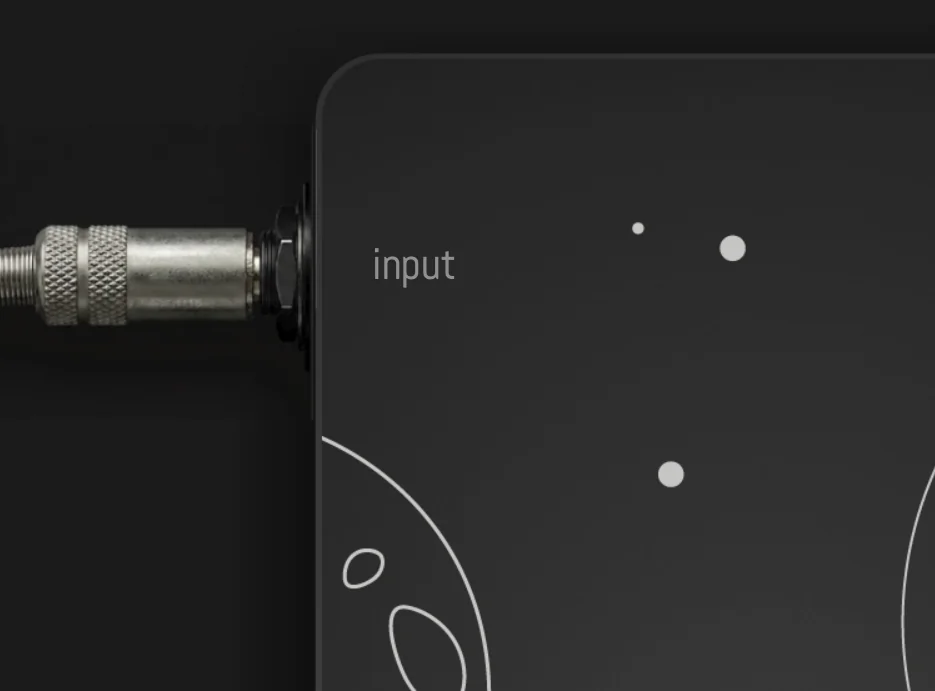
Any input. Any source.
Insert Aeronaut FX on any track you want to process. A live channel input, a WAV file or a virtual instrument.
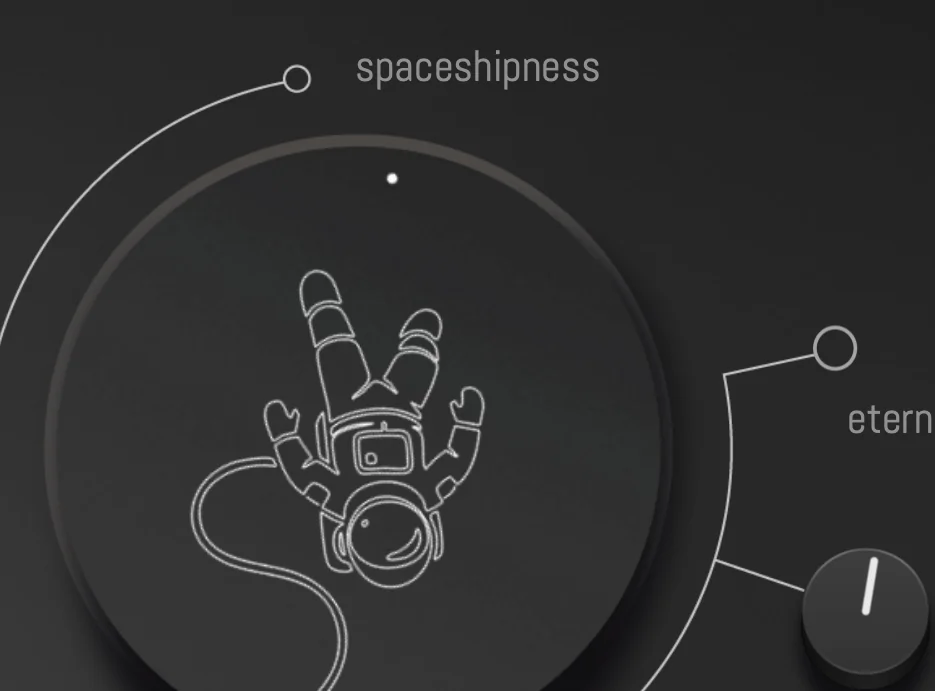
Cinematic, instantly.
Start playing. The C++ spectral processor stretches, blooms and reshapes it into a massive, evolving Hollywood-style texture. Latency stays low. CPU stays sane.
Add layers.
Press Freeze. The current spectrum locks in place — a perfect, infinite pad. Now play on top of it. Or add a looper layer to create a full cinematic arrangement.
It's not a reverb. It's not a synth. It's a cinematic time machine for whatever you plug into it.

Two ways to use Aeronaut.
Same engine, two workflows. Produce cinematic textures inside your DAW — or take the whole rig live.
Production & scoring
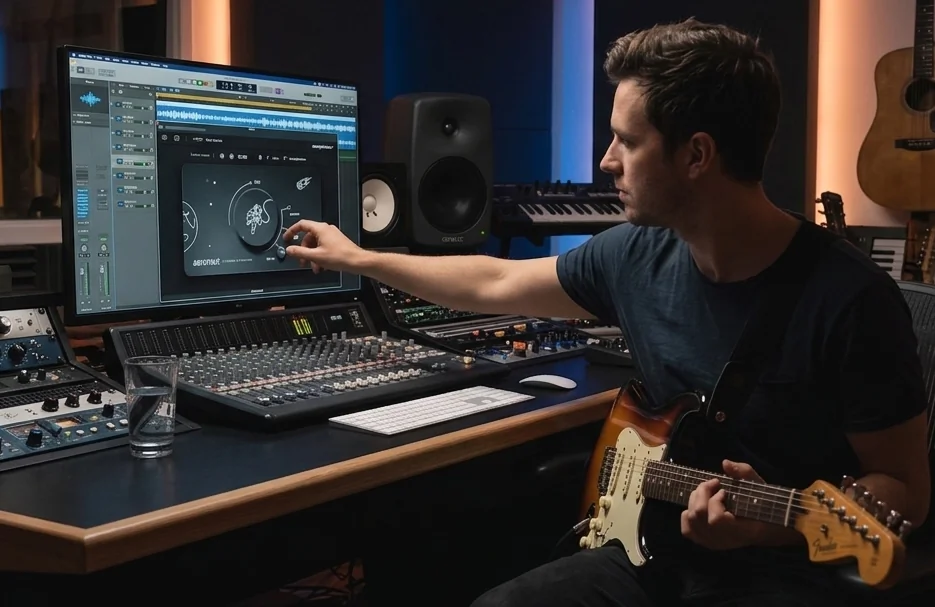
Drop Aeronaut on any track — guitar, vocals, synth, stems. Freeze a moment, automate wet/dry, bounce the result back into your session. Build beds, risers and underscores without leaving the timeline.
- VST3/AU on Mac & Windows
- Freeze, Eternize and mix controls
- Layer multiple instances across your project
- Render frozen textures as audio files

Live performance
You can use Aeronaut to create live evolving cinematic atmospheres.
- Plug in your instrument, open any DAW
- Low-latency live processing
- Parallel Loop stacks layer without stopping
- Eternize holds captures while you keep playing
Under the hood.
Aeronaut is not a reverb, not a synth, and not a looper. It's a spectral tool designed to dive deep into the frequency domain of your input.
Think of it as a spectral synth driven by your performance, with a parallel looper for layered, frequency-domain texture work — somewhere between granular resynthesis, a spectral hold, and a wet/dry timbre blender.
Under the hood, it analyzes your audio with a short FFT window, saves the frequency content (not the waveform), and rebuilds it with new phases each frame.
Two paths run at once: live input and a 10‑second looper, each with its own freeze mix and decay. Turn decay down and the pad follows what you play; turn it up or hit eternize and the spectrum holds.

Three channels. All at once.
Parallel Loop runs three independent signal paths in parallel. Eternize holds whatever you capture — freeze a pad, loop a groove, keep playing live — all stacked and audible together.
Live
Your incoming signal — guitar, keys, vocals — always passing through. Play leads, chords and melodies on top of everything else.
Freezer
Hit Freeze. The spectral snapshot locks in place — an infinite, evolving pad. Eternize holds it while you keep performing.
Looper
Record a loop on its own parallel path. Stack rhythms, textures or harmonies — independent from Live and Freezer.
Live + Freezer + Looper running together. Hold a frozen bed, loop a groove underneath, solo on top — without muting or switching modes.
Built for the way you actually work.
Sketch cinematic underscores in seconds. Drop in a piano stem and get an instant cinematic pad to score against picture.
Generate huge atmospheres, risers and beds from any source you already have in the project.
Turn a flat sample into a movie moment. Drop on the master, hit Freeze, sample the result back in.
Hold a chord, freeze it, solo on top. Just plug and play.
Endless evolving spectra. Layer multiple instances. Build entire 30-minute pieces from single notes.
Foley, dialogue, found sounds — anything becomes a usable cinematic element. C++ engine = pristine spectral resolution.
4K scalable interface
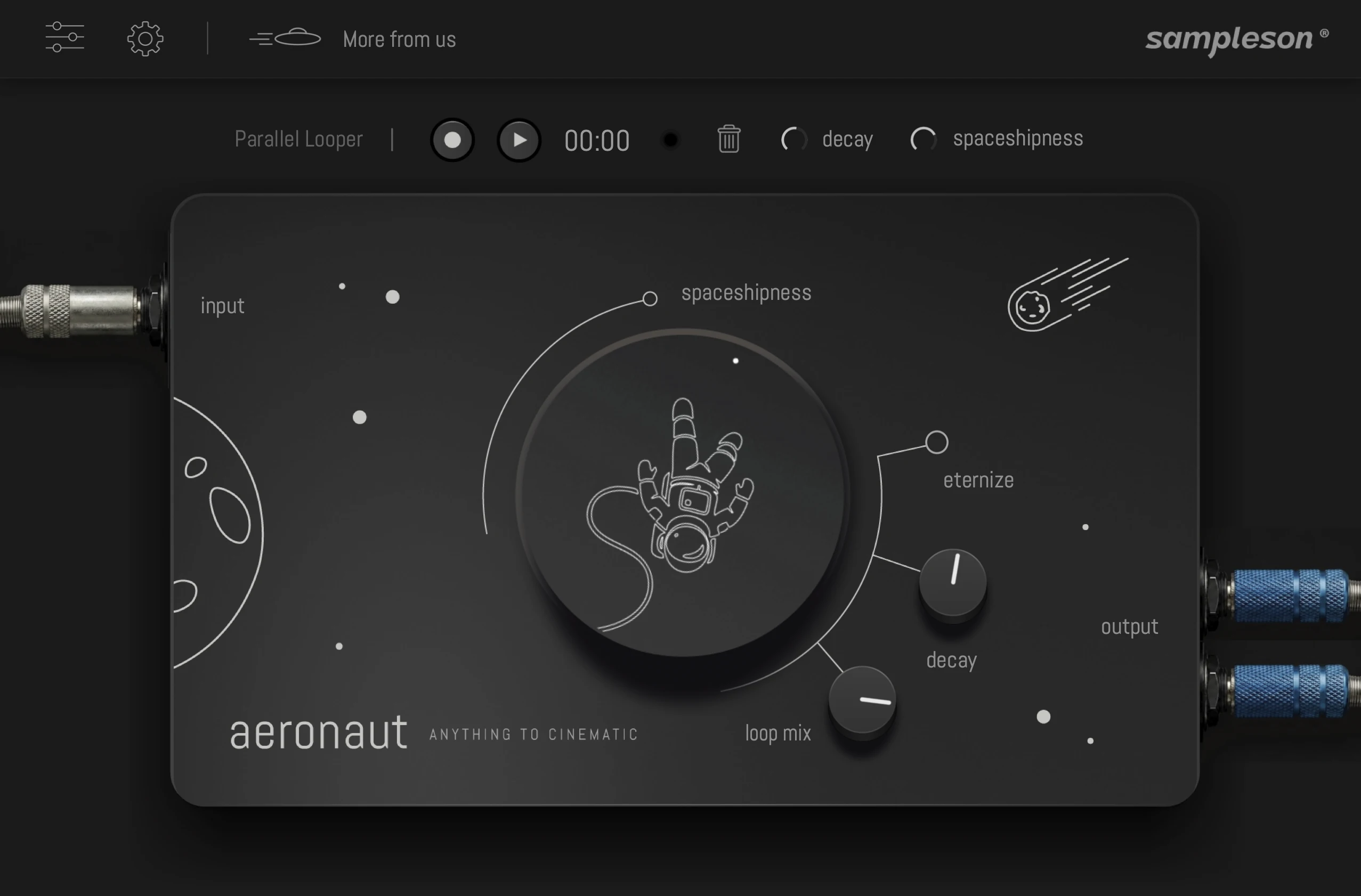
Features
- Real-time spectral freeze engine — custom built in C++
- Works with any live input: guitar, vocals, synths, drums, field recordings
- Built-in looper: freeze a moment and play melodies on top
- Hollywood-grade cinematic textures from a single note
- Continuous, click-free, loop-free spectral playback
- Low latency, low CPU usage
- High-resolution UI (Retina & 4K ready)
- VST3 and AU plug-in
- macOS (Apple Silicon & Intel) and Windows
System Requirements
macOS- Supported on Apple Silicon (Native) and Intel Macs.
- VST3 and AU included.
- Works on macOS 10.13 or later.
- Host must support VST3 or AU plug-ins.
- 200 MB HDD.
- 4 GB RAM.
- 64-bit Plug-in.
- 64-bit VST3 included.
- Windows 10 or later.
- Host must support VST3 plug-ins.
- 200 MB HDD.
- 4 GB RAM.
Online activation required.