

Find by prompt
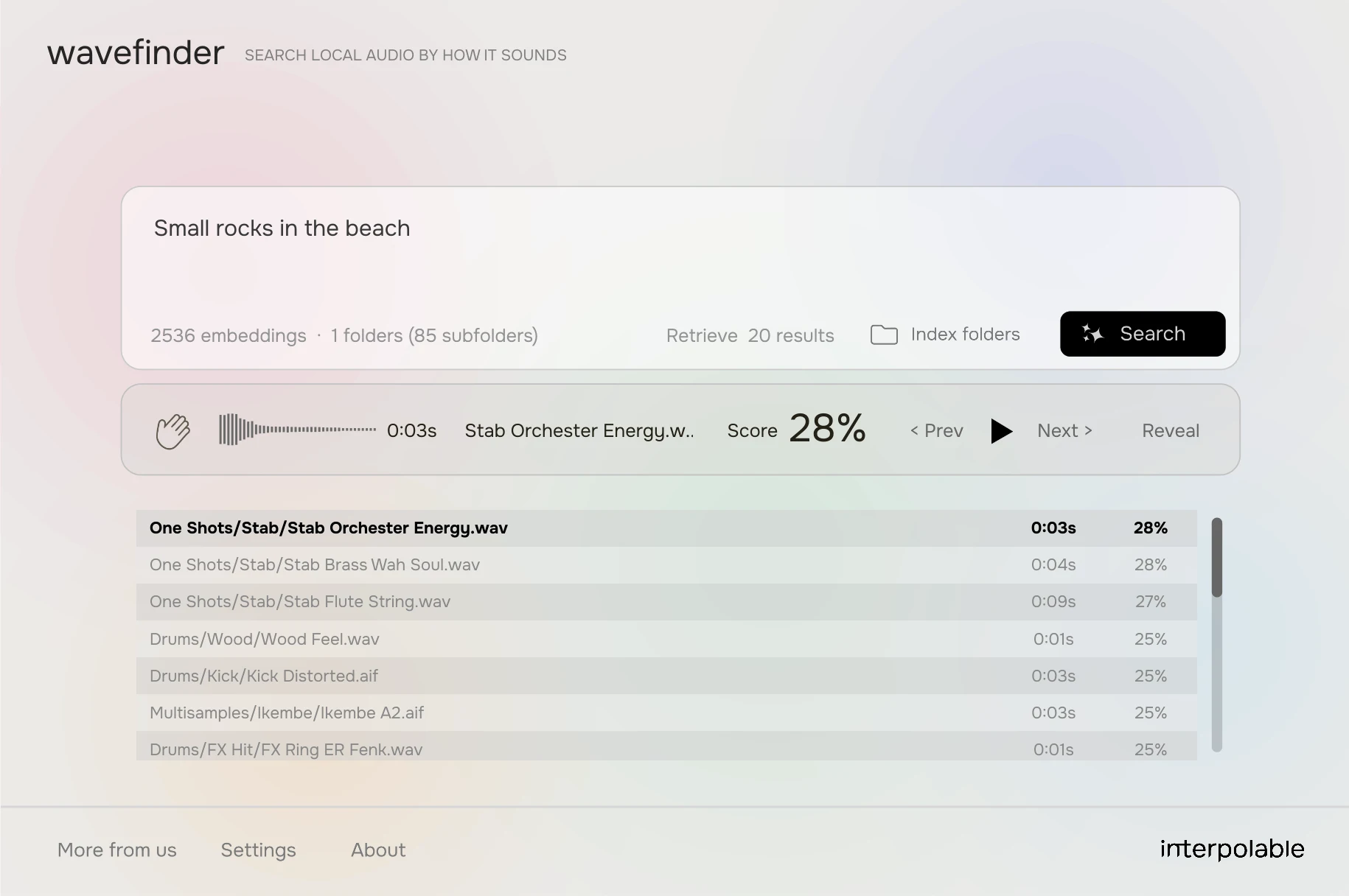
Type what you hear — texture, vibe, room, gesture — and Wavefinder ranks the closest matches from your folders.
You know the nightmare: finding one specific sound among thousands of WAVs on your drive.
That’s why we built Wavefinder: A local A.I. model that searches the audio on your computer by how it sounds, not by its filename.
Describe the sound in words, or drop a reference file. Same local index either way.
Type what you hear — texture, vibe, room, gesture — and Wavefinder ranks the closest matches from your folders.
Drop a reference clip and search by the sound itself. Useful when you already have something close and need the rest of the family.
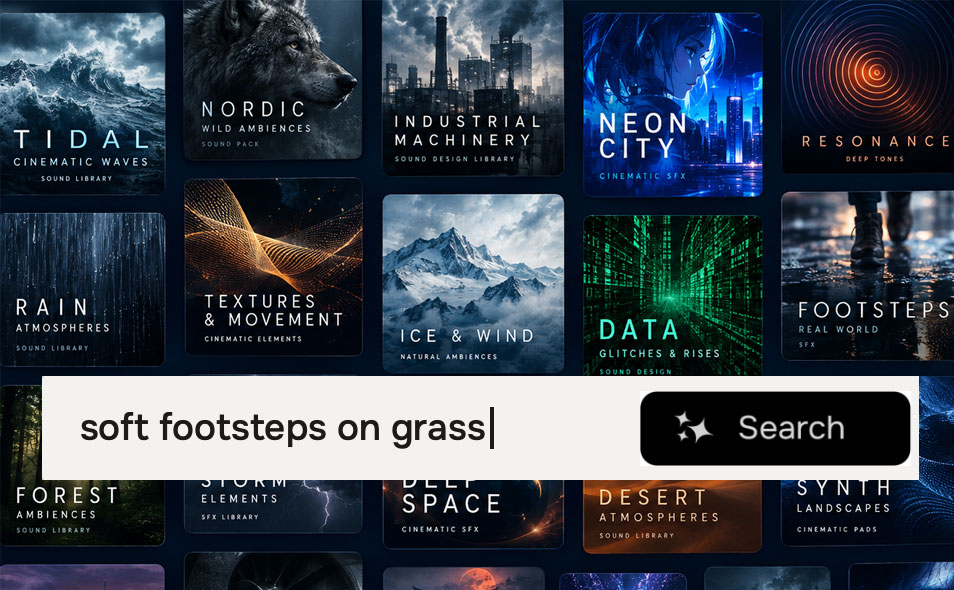
Millions of sound effects are scattered across thousands of libraries. Describe the sound you need, and Wavefinder finds it.
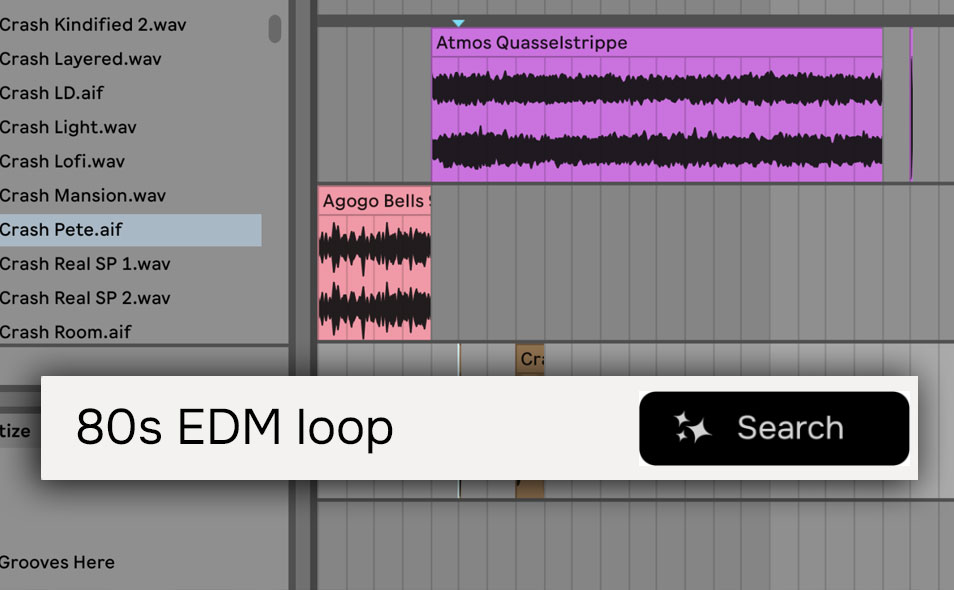
Find the kick, snare, or synth you need in your library by how it sounds, not by its filename. You can also search by audio, drop a reference clip and Wavefinder finds the closest matches.
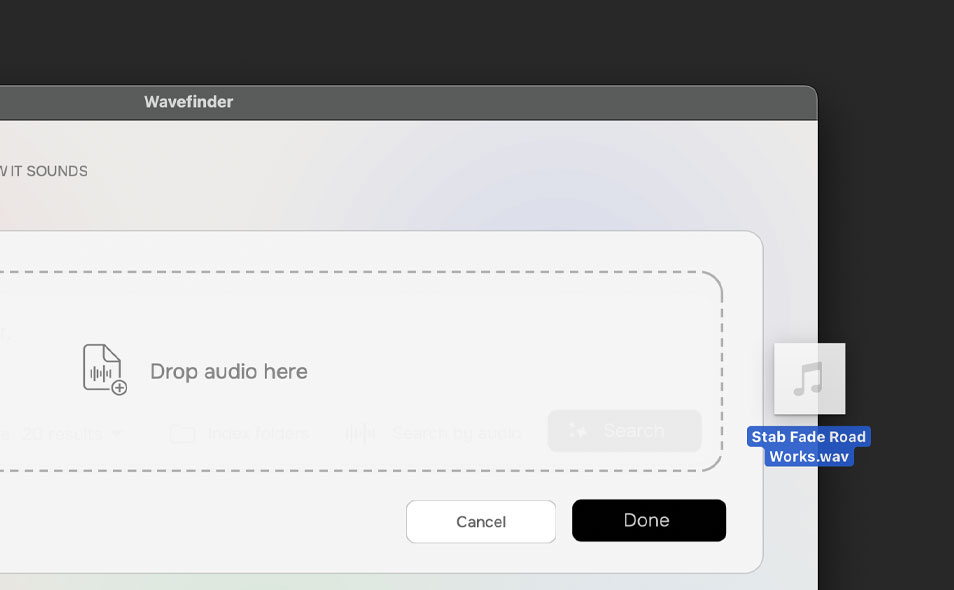
Find similar sounds in your library by dropping a reference clip. Useful when you already have something close and need the rest of the family.
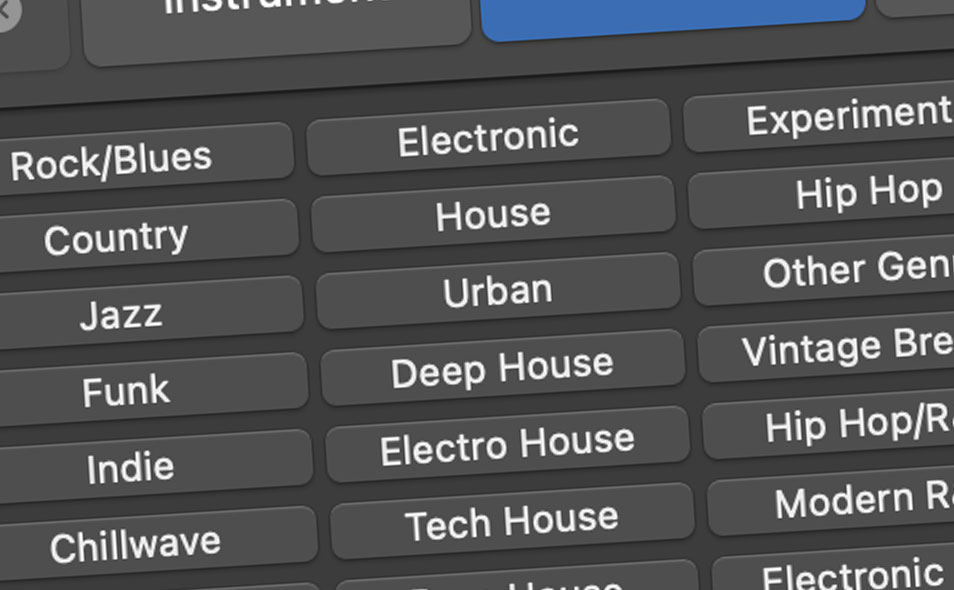
Classify your library by genre, style, or mood. Wavefinder finds the sounds that match your criteria.
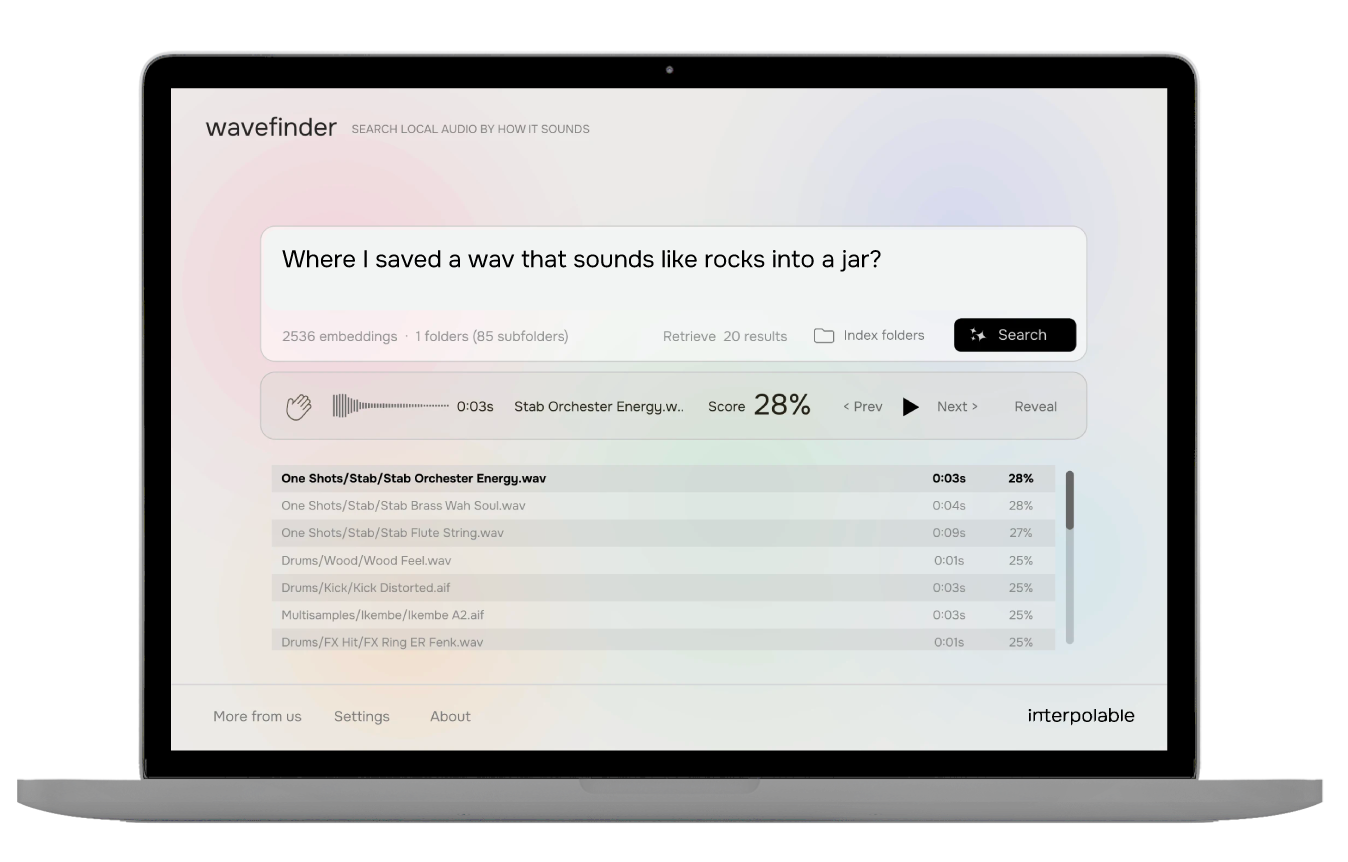
Wavefinder A.I. model runs locally on your machine. Its search is 100% local and private. Your files are not uploaded.
This means unlimited searches, for ever. No extra costs, no subscriptions, no plans.
Point Wavefinder at a folder and it builds a local index of every supported file it finds — including nested subfolders. Once indexed, you can search by describing the sound; Wavefinder matches against the audio itself, not the filename.
Compressed and lossless formats are welcome. Re-index when you add new material.
Run Wavefinder as its own app on Mac or Windows, or drop it into your DAW as a VST/AU plugin. Same search, same local index — open it next to your session, or keep it on the desktop when you are digging through folders.


sampleson_devs is our laboratory for DSP explorations — tools that sit outside the usual instrument catalog. We use it to ship experiments in local AI, signal processing, and new ways to find or transform audio.
Wavefinder is the first _devs project: a local audio search that ranks your own files by how they sound. More experiments will land here as we build them.